Zangi not installing is almost always one of a handful of causes, and they fix in a predictable order. Work through this list from top to bottom instead of guessing.
Fix 1: Use a split-APK installer
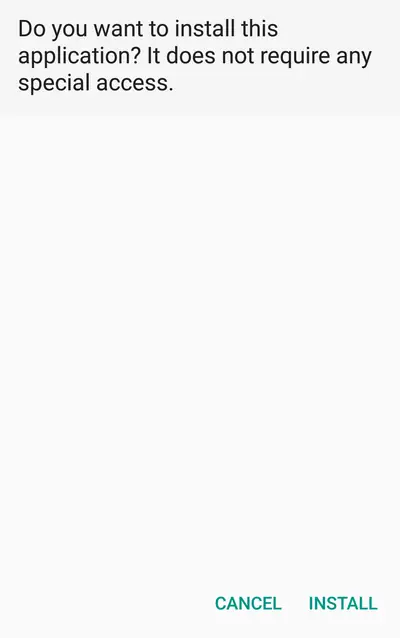
If tapping the file does nothing or throws a parse error, you are opening the XAPK bundle directly. Android cannot unpack bundles on its own. Open the file with a split-APK installer app, as explained in our Zangi XAPK guide. This resolves the majority of reports.
For the full picture, start at the Zangi APK homepage.
Fix 2: Re-download the file
A parse error on a correctly opened bundle means the download did not finish. Check the file size: it must be 65 MB. Anything smaller is truncated. Re-download from the Zangi APK download page on a stable connection and verify the size before opening it.
Fix 3: Clear the signature conflict
App not installed with no other detail usually means a signature mismatch: an app copy from a different source is already on the phone, and Android refuses to install over it. Uninstall the old copy, then install fresh. Warning: uninstalling wipes your on-device chats, because It keeps nothing on servers to restore from.
Fix 4: Free up space
The installer needs room for the 65 MB bundle plus unpacking, so keep at least 200 MB free. Silent failures on full storage are common and the error messages are unhelpful.
Fix 5: Allow unknown apps for the installer
Android blocks the install if the installer app lacks the install unknown apps permission. Grant it in Settings, complete the install, then revoke it if you like.
Fix 6: Check the Android version
On very old Android releases the splits may not apply. If nothing above helps, note your phone model and Android version and write to support@zangiapk.com; include the exact error text. Or start from the clean Zangi install walkthrough to make sure no step was skipped.