Guide
How to Install Zangi APK on Android
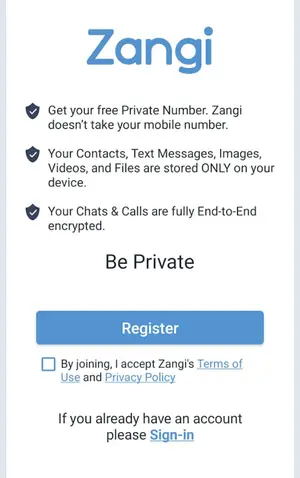
Install Zangi APK step by step: download the 65 MB XAPK, open it with a split installer, and finish private registration.
Read guide
Guides library
Practical, tested walkthroughs for Zangi Private Messenger: installation, privacy, troubleshooting, and everyday use. Every guide is written from a real install on a real phone.
Guide
Install Zangi APK step by step: download the 65 MB XAPK, open it with a split installer, and finish private registration.
Read guide
Guide
Is Zangi safe? We break down its encryption, no-data-collection policy, and private registration to give an honest answer.
Read guideGuide
How Zangi private registration works: get a Zangi number with no SIM or phone number, and stay invisible to strangers.
Read guide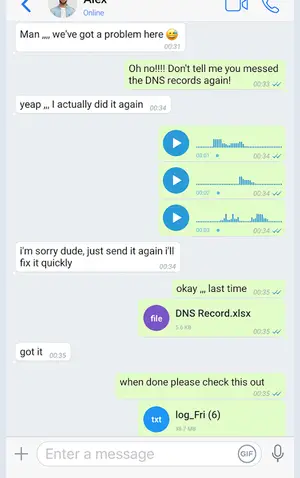
Guide
Zangi vs WhatsApp privacy compared: registration, data collection, encryption, and who can contact you.
Read guide
Guide
How Zangi end-to-end encryption works: what AES-GCM 256 protects, what it does not, and why on-device storage matters.
Read guide
Guide
The Zangi download is a 65 MB XAPK bundle. Learn what XAPK means and how to install it with a split-APK installer.
Read guide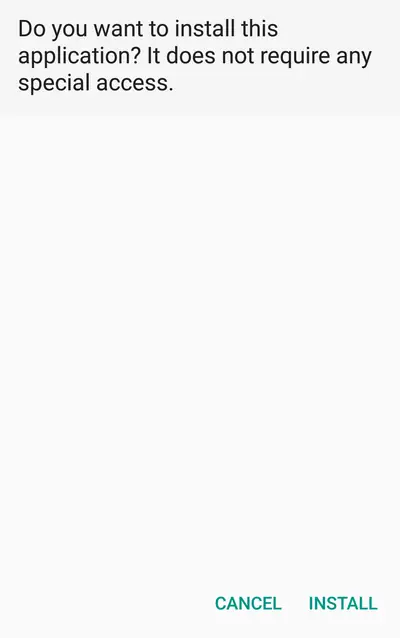
Guide
Zangi APK not installing? Fix parse errors, app-not-installed messages, and XAPK problems in order.
Read guide
Guide
Fix Zangi voice and video call problems: no audio, calls not connecting, and poor quality on weak networks.
Read guide
Guide
Fix Zangi notification delays and missing alerts: battery optimization, permissions, and background settings.
Read guide
Guide
Run Zangi on your PC with an Android emulator: install the XAPK on Windows or Mac and chat from your desktop.
Read guide
Guide
Make Zangi fly on slow connections: data-saving settings, call tweaks, and why it beats heavier messengers.
Read guide
Guide
Zangi vs Telegram privacy compared: encryption defaults, data collection, registration, and server storage.
Read guide
Guide
Zangi stores chats only on your device. Learn how backup works, what to save before reinstalling, and how restore works.
Read guide
Guide
How to keep Zangi chats private on a shared or borrowed phone: locks, hiding, and practical privacy habits.
Read guide
Guide
Why teams use Zangi for business: private registration, encrypted calls, file sharing, and no data collection.
Read guide
Guide
Thinking about a Zangi old version? Why older builds exist, the risks of downgrading, and when updating is smarter.
Read guide