The XAPK bundle confuses first-time installers: you download 65 MB, tap it, and nothing useful happens. That is normal. An XAPK is not a broken APK; it is a bundle format that needs a different tool to open. This guide explains the format and the one-minute install.
What XAPK actually is
Modern Android apps ship as split APKs: a base app plus separate files for your screen density, CPU architecture, and language. An XAPK bundles all of those into one convenient package. The 65 MB download contains everything the app needs; the installer just picks the right pieces for your phone.
The Zangi Messenger homepage covers everything about the app in one place.
Why tapping it does nothing
Android's built-in package installer understands single APK files, not bundles. When you tap an XAPK, the system has no idea how to unpack it, so it either does nothing or throws a parse error. This is the single most common Zangi install failure, and the fix is always the same tool.
How to install it properly
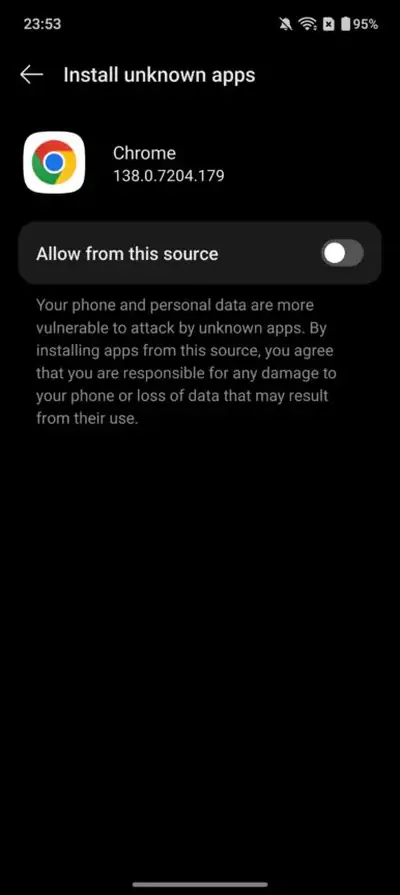
Install any reputable split-APK installer (search your app store for XAPK installer), then open the downloaded Zangi XAPK with it. The installer displays the app details, Zangi Private Messenger , and installs every split in one pass. Allow the installer to install unknown apps when Android asks; you can revoke that permission afterward.
After installation
Once installed, it behaves exactly like any other app. Open it, finish the private registration, and you never think about the XAPK again. Updates work the same way: download the new bundle and install it over the old copy. The full flow with screenshots is in our Zangi install walkthrough.
Where to get the file
Get the verified 65 MB bundle from the Zangi APK download page. The version, package name, and size are checked against the build itself before publication.